
LET'S BUILD
YOUR CARDS.
Start with the basics. A11 will use this information to build your card project and keep everything organized from design through production.
CHOOSE YOUR
FOUNDATION.
Start with the card style that best fits your company. We'll configure the exact material, finish and quantity next.
BUILD YOUR CARD.
Configure the package. A11 will verify final production compatibility and pricing before anything goes to print.
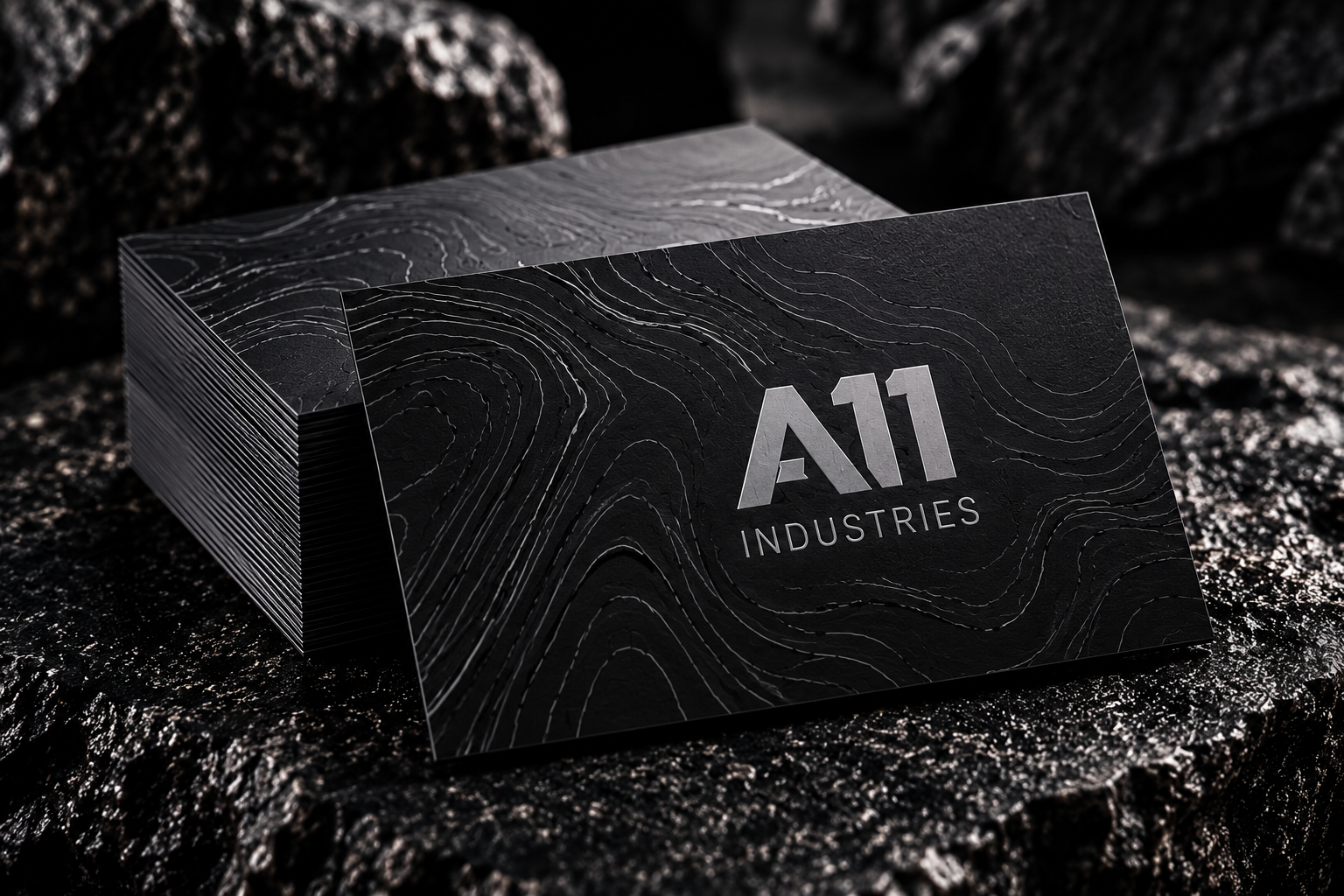
BUILD YOUR
TEAM.
Add each person who needs a card. A11 can keep the overall design consistent while personalizing the contact information.
SHOW US
THE BRAND.
Add logos, current business cards, brand guides or other references that will help A11 build the right design.
UP TO 5 FILES • 10 MB EACH
YOUR CARD
PROJECT.
One final look before the project goes to A11 for artwork review, production confirmation and final pricing.
A11 will review your configuration, artwork and production requirements before confirming the final project price and production timeline.